Moz Q&A is closed.
After more than 13 years, and tens of thousands of questions, Moz Q&A closed on 12th December 2024. Whilst we’re not completely removing the content - many posts will still be possible to view - we have locked both new posts and new replies. More details here.
Solved How to solve orphan pages on a job board
-
Working on a website that has a job board, and over 4000 active job ads. All of these ads are listed on a single "job board" page, and don’t obviously all load at the same time.
They are not linked to from anywhere else, so all tools are listing all of these job ad pages as orphans.
How much of a red flag are these orphan pages? Do sites like Indeed have this same issue? Their job ads are completely dynamic, how are these pages then indexed?
We use Google’s Search API to handle any expired jobs, so they are not the issue. It’s the active, but orphaned pages we are looking to solve. The site is hosted on WordPress.
What is the best way to solve this issue? Just create a job category page and link to each individual job ad from there? Any simpler and perhaps more obvious solutions? What does the website structure need to be like for the problem to be solved? Would appreciate any advice you can share!
-
@cyrus-shepard-0 Thanks so much for your input! The categorization option was what we were thinking about as well, but not sure if the client will be ready to invest the time. Will definitely suggest it to them.
Not majorly concerned about the jobs being found via Google search as individual posts, it's more about avoiding the orphans, as I'm sure they will be seen as a red flag.
Also, yes, the job posts are covered in a sitemap, you are correct.
-
@michael_m Seems like you have a number of options.
Can you categorize the jobs into more specific types (e.g. region, job type, etc.) and then add them to more category-specific "job board" pages? Even if you had duplication across job boards, seems like you'd get better crawl + indexation coverage. Anything to create a more clear crawling path to those pages. Even 20-50 job categories (or other sort/filter features) might provide benefit, and those category pages probably have a better chance of ranking on their own.
Cross-linking from similar/related jobs might also be a good option to explore. Much how we link to related questions here in the Q&A.
Orphaned pages aren't always a problem, as long as the pages are getting indexed and ranked. I imagine the search volume is pretty low for some of those jobs, but Google's sitemap indexation report is going to be your friend here.
Hope that helps!
Are the job postings covered in a sitemap? As SEO tools are finding them as orphaned, I assume they are discovering the pages via sitemaps.
Got a burning SEO question?
Subscribe to Moz Pro to gain full access to Q&A, answer questions, and ask your own.
Browse Questions
Explore more categories
-
Moz Tools
Chat with the community about the Moz tools.
-
SEO Tactics
Discuss the SEO process with fellow marketers
-
Community
Discuss industry events, jobs, and news!
-
Digital Marketing
Chat about tactics outside of SEO
-
Research & Trends
Dive into research and trends in the search industry.
-
Support
Connect on product support and feature requests.
Related Questions
-
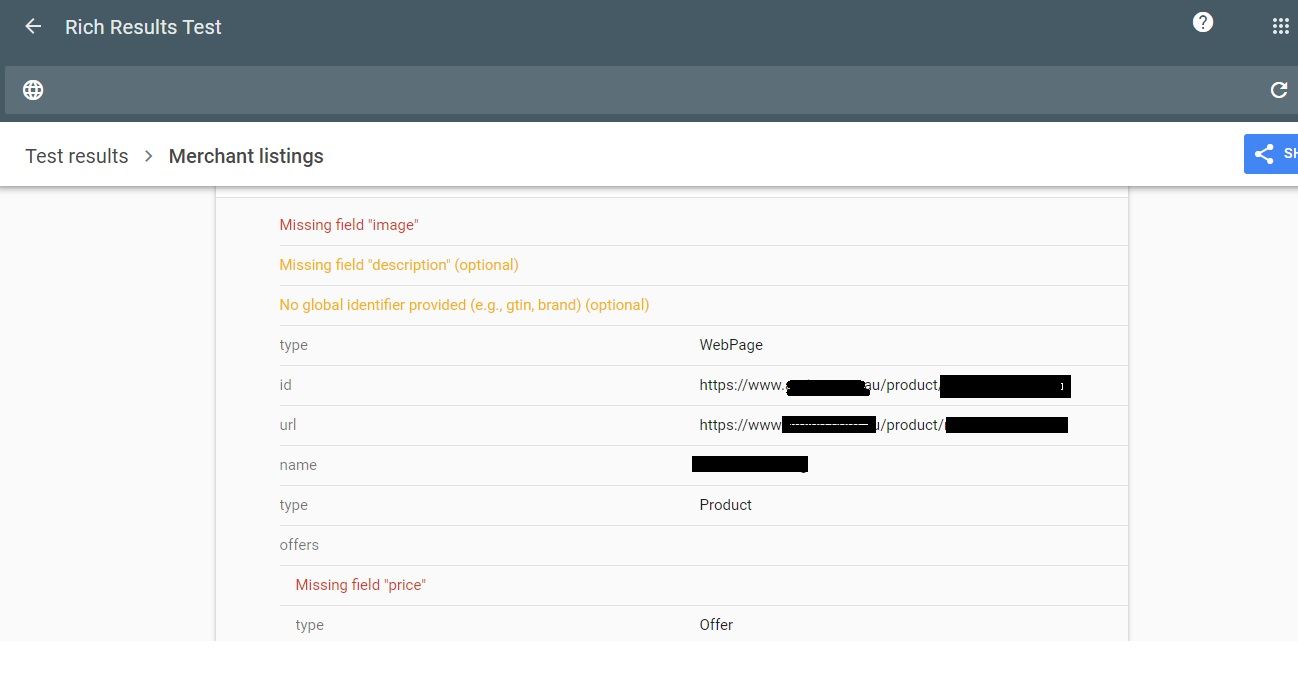
Why Product pages are throwing Missing field "image" and Missing field "price" in Wordpress Woocommerce
I have a wordpress wocommerce website where I have uploaded 100s of products but it's giving me error in GSC under merchant listing tab. When I tested it show missing field image and missing field price. I have done everything according to https://developers.google.com/search/docs/appearance/structured-data/product#merchant-listing-experiences and applied fixed i.e. images are 800x800 and price range is also there. What else can be done here?!merchant listing.jpg
Technical SEO | | Ravi_Rana0 -
How important is Lighthouse page speed measurement?
Hi, Many experts cite the Lighthouse speed as an important factor for search ranking. It's confusing because several top sites have Lighthouse speed of 30-40, yet they rank well. Also, some sites that load quickly have a low Lighthouse speed score (when I test on mobile/desktop they load much quicker than stated by Lighthouse). When we look at other image rich sites (such as Airbnb, John Deere etc) the Lighthouse score can be 30-40. Our site https://www.equipmentradar.com/ loads quickly on Desktop and Mobile, but the Lighthouse score is similar to Airbnb and so forth. We have many photos similar to photo below, probably 30-40, many of which load async. Should we spend more time optimizing Lighthouse or is it ok? Are large images fine to load async? Thank you, Dave bg_05.jpg
Reporting & Analytics | | erdev0 -
Fire a tag when element is loaded on page (Google Tag Manager)
I'm using an Element Visibility trigger to track a value that appears on a page. However, I want to track this value even when the user doesn't scroll to the area of the page where the element is (i.e. when the page is loaded, and the value is displayed below the fold, but the user doesn't scroll down there). Is there a way of doing this
Reporting & Analytics | | RWesley0 -
Strange landing page in Google Analytics
Hello MOZ Community, The website in question is https://x-y.com/ When i looked at the landing pages report in GA , x-y.com is appended at the end of every URL like this. https://x-y.com/x-y.com When i open the above URL in GA interface, it shows page not found. This is obvious as there is no such URL.
Reporting & Analytics | | Johnroger
The metrics like sessions, Users, Bounce rate all look good. In the property settings, The default URL is written like this http:// cell-gate.com (Please note that s is missing in property settings). But how is traffic tracked correctly How do i solve this problem. What settings should we change to make the landing pages report look ok Thanks0 -
Hello, our domain authority dropped significantly overnight from 37 to 29\. We have been building good links from high DA pages and producing quality, regular content.
Hello, our domain authority dropped significantly overnight from 37 to 29. We have been building good links from high DA sites and producing regular, good quality content. Anyone able to offer any ideas why? Thanks
Reporting & Analytics | | ProMOZ1231 -
Find Pages with 0 traffic
Hi, We are trying to consolidate the amount of landing pages on our site, is there any way to find landing pages with a particular URL substring which have had 0 traffic? The minimum which appears in google analytics is 1 visit.
Reporting & Analytics | | driveawayholidays0 -
Sudden Increase In Number of Pages Indexed By Google Webmaster When No New Pages Added
Greetings MOZ Community: On June 14th Google Webmaster tools indicated an increase in the number of indexed pages, going from 676 to 851 pages. New pages had been added to the domain in the previous month. The number of pages blocked by robots increased at that time from 332 (June 1st) to 551 June 22nd), yet the number of indexed pages still increased to 851. The following changes occurred between June 5th and June 15th: -A new redesigned version of the site was launched on June 4th, with some links to social media and blog removed on some pages, but with no new URLs added. The design platform was and is Wordpress. -Google GTM code was added to the site. -An exception was made by our hosting company to ModSecurity on our server (for i-frames) to allow GTM to function. In the last ten days my web traffic has decline about 15%, however the quality of traffic has declined enormously and the number of new inquiries we get is off by around 65%. Click through rates have declined from about 2.55 pages to about 2 pages. Obviously this is not a good situation. My SEO provider, a reputable firm endorsed by MOZ, believes the extra 175 pages indexed by Google, pages that do not offer much content, may be causing the ranking decline. My developer is examining the issue. They think there may be some tie in with the installation of GTM. They are noticing an additional issue, the sites Contact Us form will not work if the GTM script is enabled. They find it curious that both issues occurred around the same time. Our domain is www.nyc-officespace-leader. Does anyone have any idea why these extra pages are appearing and how they can be removed? Anyone have experience with GTM causing issues with this? Thanks everyone!!!
Reporting & Analytics | | Kingalan1
Alan1